Homelab v2
· 13 min read

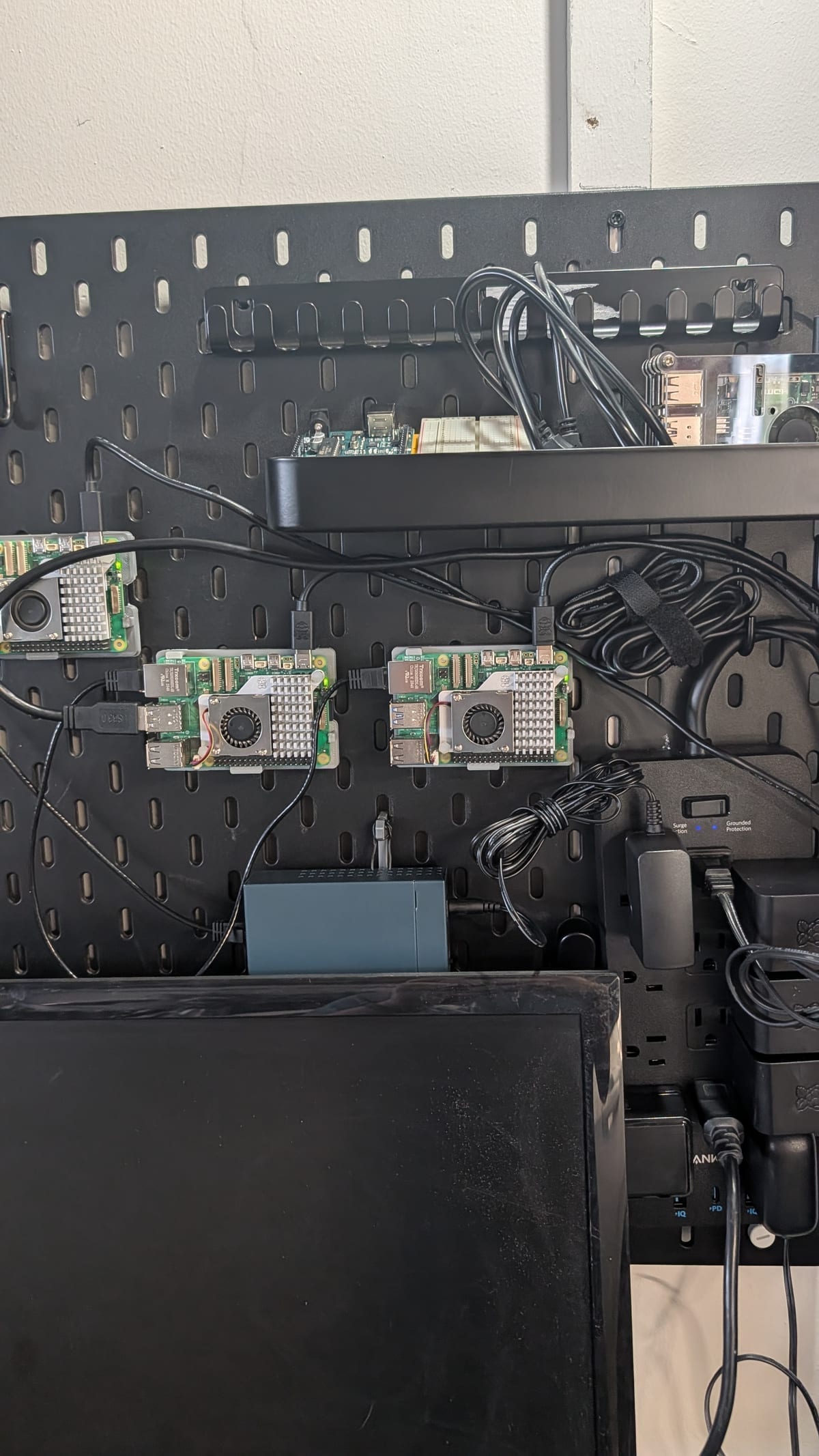
I think it's fitting that the main project that brings me back to posting here is my homelab project.
I think it's fitting that the main project that brings me back to posting here is my homelab project.

Photo by Mohammad Rahmani on Unsplash
Let's actually write some TypeScript code! For this first "programming-specific" post, I've added some new features to this site to execute TypeScript on the front-end. This blog post specifically is around writing code. This took a while to add only because I haven't been focused on getting this feature in, but now that it finally is in, this should open up more possibilities that I hope to leverage in the future.
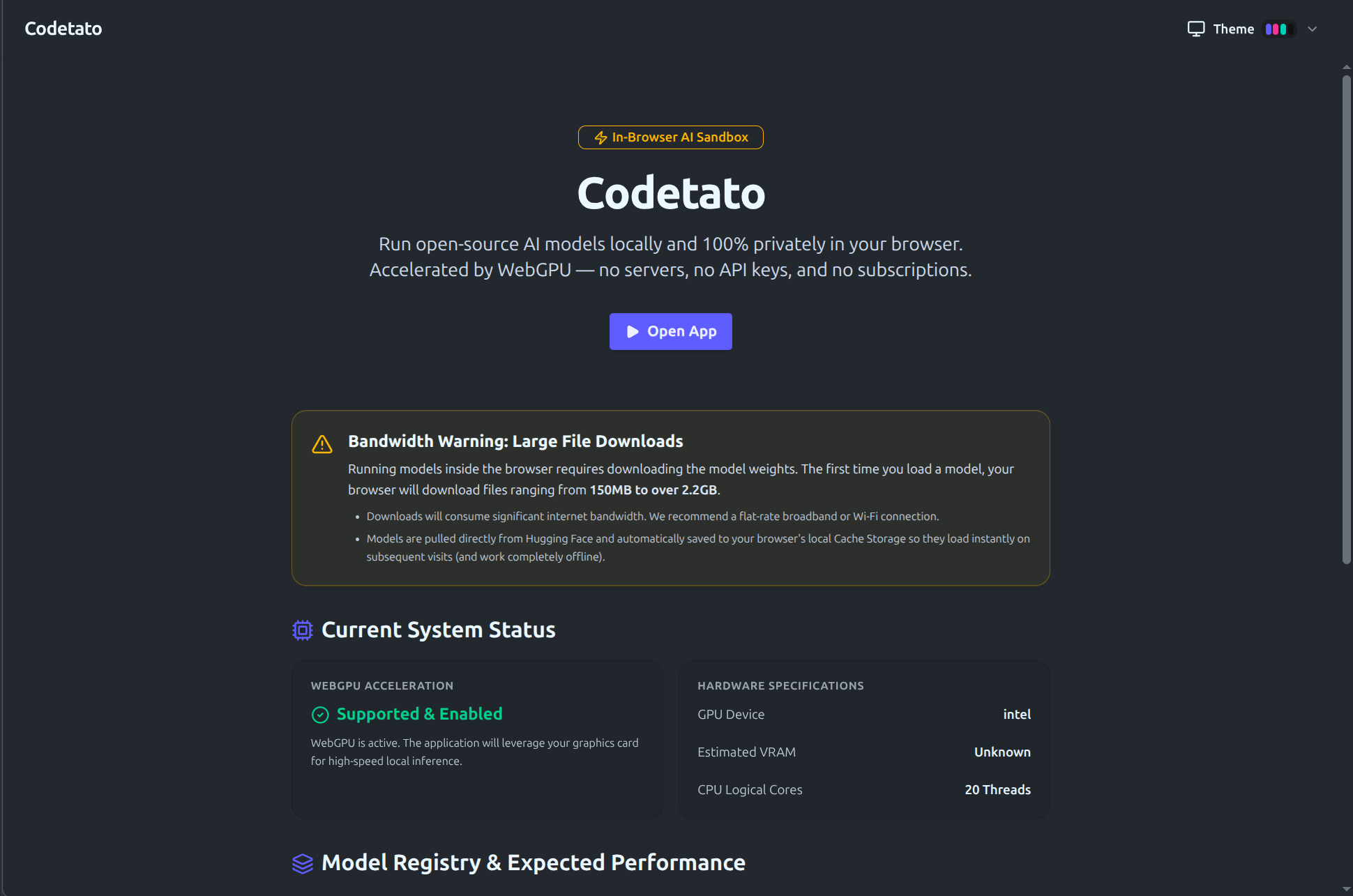
A quick to the point blog post showcasing a project I built a while back as a way to test out some front-end only AI work. Also a way to use a funny name for a domain.
So let's dive into the web-app called “codetato” available at codetato.com

Photo by Alexander Mils on Unsplash
Exploring technologies for optimizing token usage, because AI can get very expensive very fast
It's been a while, so I wanted to create a post about what I've had in the pipeline on my side.
With the increased popularity of AI, I saw this "AI inflation" directly while shopping around for the Raspberry Pis that I would use in my cluster. I couldn't justify opting for the 16GB memory model since it was over twice the price compared to MSRP! So I ended up opting for the 8GB model, which still offered double the memory compared to my RPI 4 that was still chugging along in the garage.
With the new year, I’ve made it a habit to write more on this site and avoid leaving it idle. After removing external integrations and projects, only blog posts remain.
I’ve maintained a steady pace, though it’s already April—progress has slowed. I don’t feel guilty about it because I’ve been working on a major blog project that required extra time. It’s nearly complete and should release soon!
You’re likely reading this on a browser. Do you know how to use it effectively? Let’s explore its history and power features.

Photo by Fotis Fotopoulos on Unsplash
It's sometimes exhausting to be a developer.
I knew this going in and developed a few habits to keep me in the loop. This became more important once the rate of what I needed to know increased. Where today things are almost exhausting to keep up with.
Developer tooling that goes beyond the basics, and what I've used for over a decade. The tools I use aren't new, or super fancy or anything explicitly tied with AI. But I've found them very effective and use them on all my machines. Recently, I started re-building my dotfiles repo, and it made me realize that going over my current "terminal workflow" might be an interesting read, as its very unique to me. So lets hop in and see what tools I've been using to help me stay productive and look cool in the terminal hehe, but first lets jump back to my college days.